

From 2.5$ Per Image Retouch

Natural shadows. Real depth. Any volume.

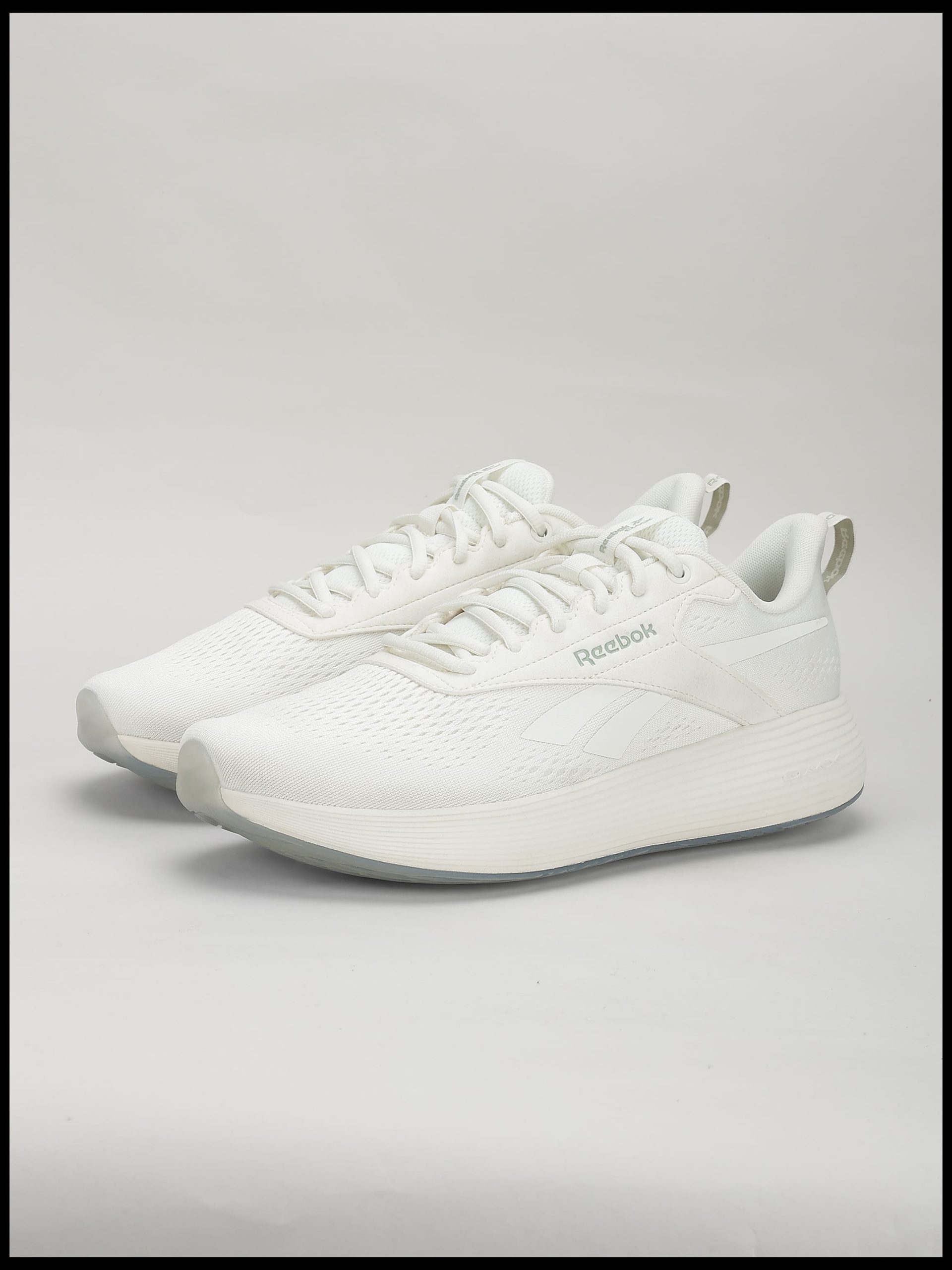
Professional shadow making and shadow enhancement services for ecommerce brands, studios, and product catalogs. From soft natural shadows to reflection and custom shadow creation — we make products look grounded, premium, and ready to sell.

Making_shadows_before

Drop Shadow

Adds a realistic, top-down sunlight effect that grounds your products and prevents them from looking floating on a white background. Perfect for e-commerce.

More Details

Natural Shadow

Mimics soft, ambient lighting to create a subtle and organic shadow underneath the product. It gives your images a clean, professional, and authentic look.

More Details

Cast Shadow

Simulates a distinct light source casting a natural shadow on the surface behind or next to the object. Ideal for creating a dramatic, dimensional 3D depth.

More Details

Product Shadow

Tailored shadow enhancement that matches the unique shape and texture of your items, ensuring jewelry, apparel, and gadgets look premium and high-end.

More Details

Reflection Shadow

Creates a soft, realistic surface reflection beneath the product, giving it a premium, glossy showroom feel. Highly recommended for electronic items and luxury goods.

More Details

Mirror Effect

Generates a perfectly balanced, glass-like mirrored reflection directly under the image. It adds an ultra-modern, sophisticated, and polished look to your catalog.


More Details

Special Discount for
Bulk Images !

We provide 100% handmade photo editing services to use photoshop. So you will get great quality services. always try to deliver your order within 24 hours or less.

Have any question

Frequently Asked Questions

1. What Are The Reasons For Image Drop Shadow?

The purpose of image drop shadow is to get realistic pictures. Drop shadow is beneficial in the creation of 3D effects. Also, this service is effective to get customers' attention and increase sales. 

2. When Not To Use Drop Shadow?

There are a few limitations where you need to be careful using the drop shadows. The disadvantage of drop shadows is that they provide subjects with a fluffy edge, and they make text exceptionally difficult to peruse.

3. How Do I Create Shadow Effect Photoshop?

I adhere to some fundamental guidelines to make a drop shadow impact in photoshop. First, you need to open the file. Then, from the layer pop-up menu, select drop shadow. Now, adjust the parameters as indicated by your necessities. 

5. Where Should I Use Drop Shadow?

Drop Shadow is a popular shadow effect used in several sectors. You can apply this method to product images or logos to the depth of that picture. Likewise, you can utilize this method to make 3D pictures. 

Latest News

Our Latest Blog Post Will Learn Business

Sed ut perspiciatis unde omnis iste natus error voluptatem Sed ut perspiciatis unde omnis iste natus error voluptatem accusantium dolore mque laudantiumaccusantium dolore mque laudantium